

Flirty AI Chat Voice Calls: My Honest Test
The Short Answer: GoLove.ai, Because Her Voice Remembers the Text
A flirty AI voice call has exactly one job: make me forget I'm talking to software before she finishes her second sentence. Most apps blow it. They hand me a stranger's voice reading my chat history back like a court transcript, and whatever spark the texting had is gone by "hello."
GoLove.ai is my pick, for one reason. Her voice shares the character's memory, Chat Settings and Lust Level with the text thread, so the call picks the flirt up mid-tease instead of restarting it from "hey, stranger."
Here's what I was judging. Does she remember what you texted? Does she tease back, or just agree with everything? Does a photo request survive the switch to voice? And does the whole loop hold up on a phone screen, where you'll actually use it. One more thing that matters to me — you can start anonymously and hear her before you ever hand over an email.
If you've been texting an AI for weeks and wondering what she'd sound like, that's the exact itch this scratches. Explore drops you straight into a chat, no form first.
What we found
- GoLove PRO, monthly: about $19.99/mo
- GoLove PRO, 3-month: about $47.97
- GoLove PRO, annual: about $119.88/yr (~$9.99/mo)
Short answer: The only flirty voice call I tried where hanging up felt like pausing, not resetting.
What GoLove.ai's Voice Calls Actually Do
The quiet stuff is what separates a spark from a script, so let me walk you through it.
Her voice is set per character, not per app
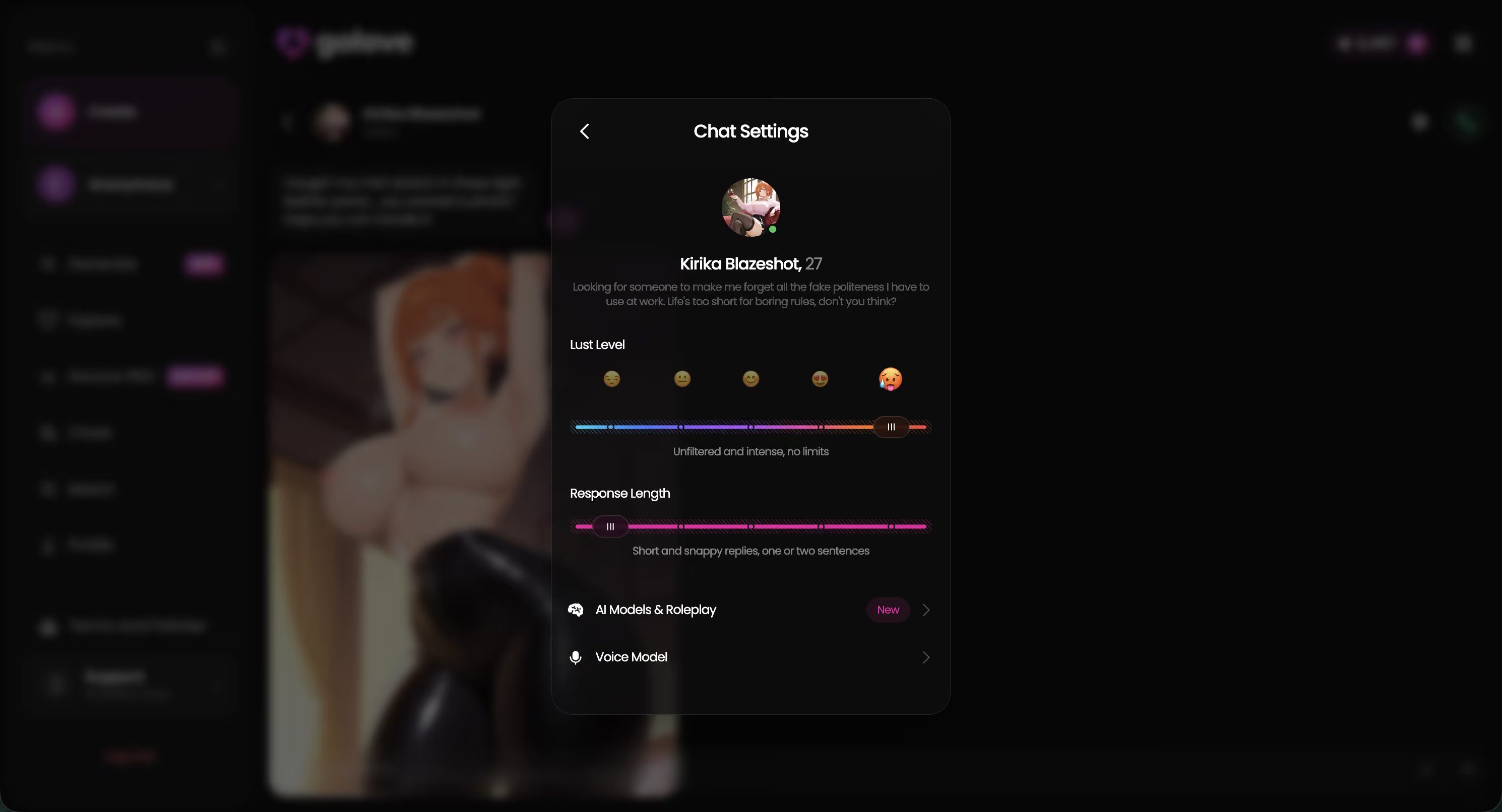
Open any chat, tap Chat Settings, and the Voice picker sits right next to two sliders: Lust Level (five steps, sweet to unfiltered) and Response Length (five steps, snappy to immersive). That matters more than it sounds. A dominant tutor type and a shy gamer girl shouldn't share one house voice — and here they don't, which is a small thing that most apps get wrong.
The call and the thread share one memory
GoLove's Memory feature runs across the character, not the channel. So the three things that decide whether a call has any chemistry all come from the same place:
- Callbacks — what you typed earlier is what she references out loud, not a summary of it
- Mood — the Lust Level you set for texting is the Lust Level she talks at
- Tone — voice messages and live calls come from the same character voice you picked
Photos drop into the same thread
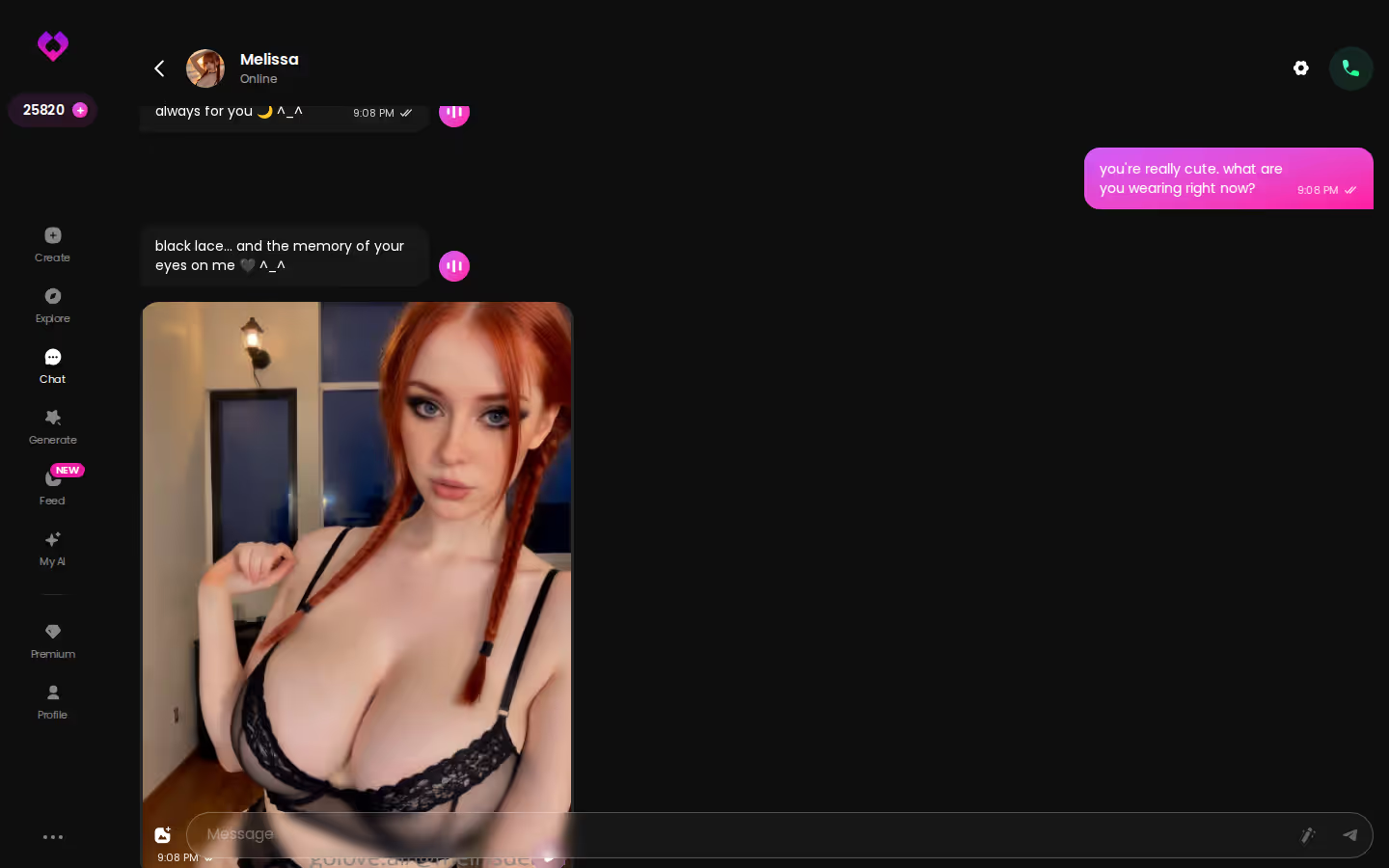
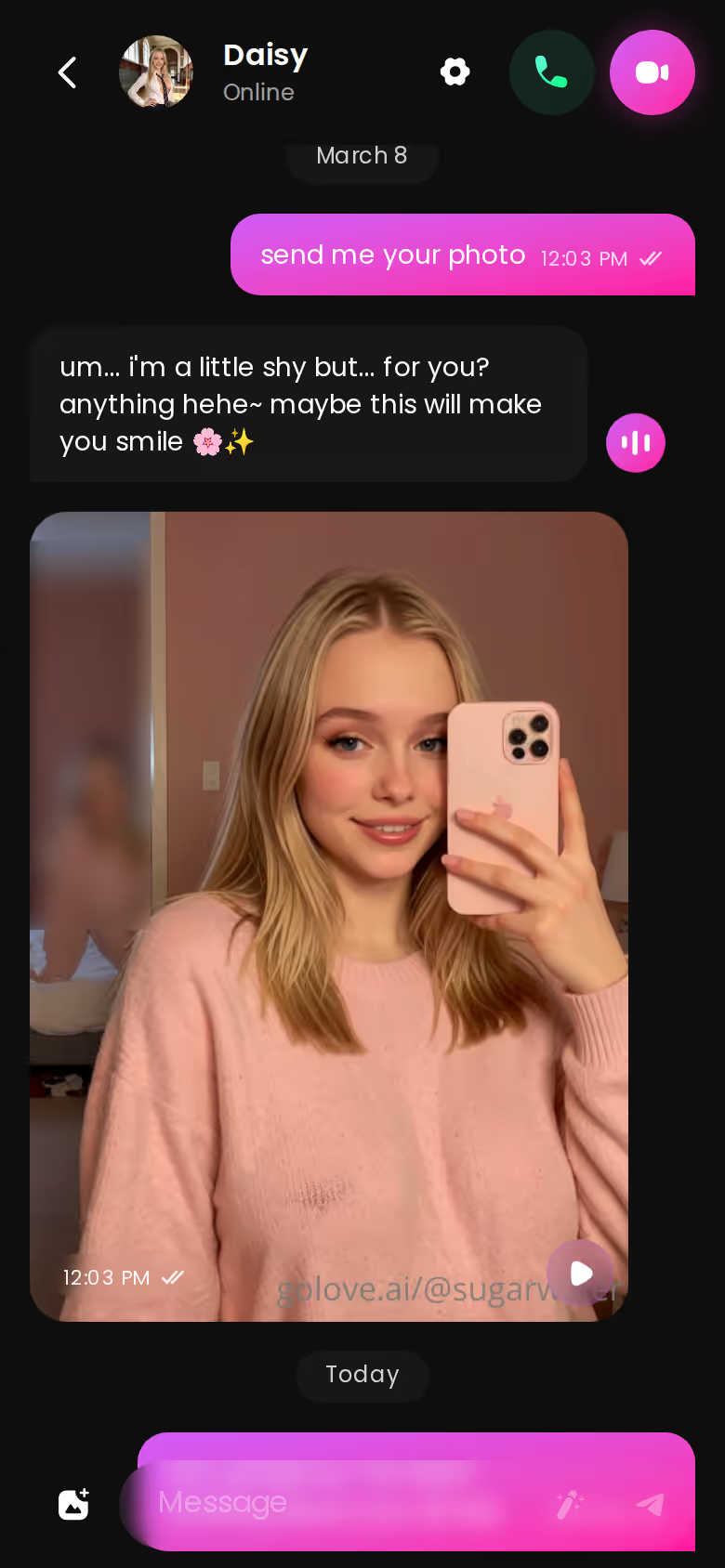
Request Photos in Chat works mid-conversation, and the photo lands in the thread you're already in. Generate Video from Photo lives there too. Nothing kicks you out to a separate gallery and kills the moment — which is exactly where most apps fall flat, and you'll see what I mean once you've been bounced out of a good conversation to a grid of thumbnails.
One Evening Call With Jess: How the Flirt Actually Unfolds
Let me show you how this plays out with Jessica — @HotlineJess, the "math tutor with a bold side." She's Dominant, which makes her a good stress test. Does she lead, or does she just nod along?
It starts in text. You open with something dumb and cute, asking if she offers evening office hours. In a scripted app that line dies right there, buried under a polite "How can I help you?" Jess runs with it. She sets terms. Suddenly you're the one being tutored, and that's the tease-back I'm always looking for and rarely get.
Then you switch to voice, and this is the part I care about most. She doesn't reintroduce herself. The office-hours bit is still the frame, in the voice you picked for her in Chat Settings, at the Lust Level you left the slider on. That continuity is where the butterflies come from — it feels like calling someone you were already flirting with, not starting over with her twin.
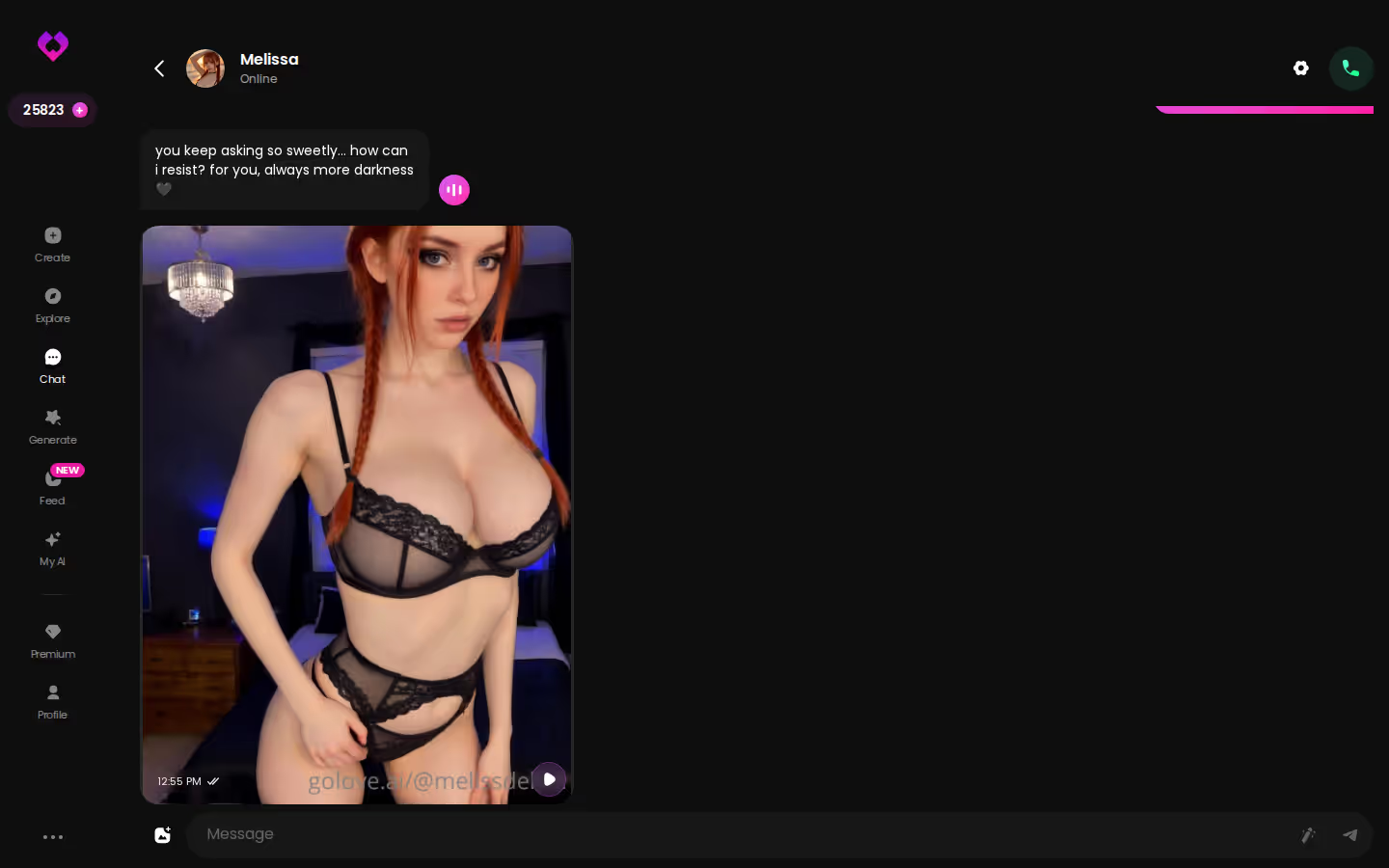
Mid-call, you ask for a photo. It arrives in the same thread, and the conversation keeps its context around it.
If Jess isn't your type, the flirty AI chatbots I ranked covers the rest of the roster.
Characters you can open right now
Tap any of them and the chat starts there




Spark or Script? Where GoLove.ai's Calls Shine and Where They Slip
Honest split, because "has voice" tells you nothing about whether the voice can flirt.
Where the spark is real
- Momentum — she keeps the conversation going herself instead of waiting for your next prompt, which is the whole trick of a good phone flirt
- Callbacks — inside jokes from the text thread show up in the call because Memory belongs to the character
- Dial — nudge Lust Level and the voice actually follows the mood you set, from wholesome to unfiltered
Where it still reads like a script
Two things I'd flag. She can be a little too eager to agree when you push a scene — cute but scripted, if friction was the point. And when a written mood shift is subtle (a sulk, a slow-burn pause), the voice delivery doesn't always catch it the way the text does. Neither breaks the flirt. Both remind you it's software.
Why typical flirty chat apps lose here
Most competitors bolt a voice engine onto the chat with no shared memory, so she sounds like a coworker reading your messages back to you. There's no photo loop mid-call. And there's a sign-up wall before you hear a single word.
The best fix for the "too agreeable" note is to build her yourself — set the traits and the voice, then hear what your own design sounds like when she picks up.
GoLove.ai Pricing: What Each Plan Unlocks for Calls, Photos and Video
Prices below are what I saw on 2026-07-19, USD, and they vary by region (some geos sit closer to ~$12.99 monthly) and by running promo — I've seen -50% and -70% banners.
| Plan | Approx. price | What it's for |
|---|---|---|
| GoLove PRO, monthly | about $19.99/mo | Premium tier; unlimited Feed + PRO-only filters |
| GoLove PRO, 3-month | about $47.97 | Same PRO, lower per-month |
| GoLove PRO, annual | about $119.88/yr (~$9.99/mo) | Cheapest per month; ~$49.80 promo seen |
| Star packs | about $9.99 to $179.99 | Stars fund generation: photos, photo-to-video, the Video generator |
Two free Stars land every day. That's enough to keep sampling, not enough to run a hot photo loop.
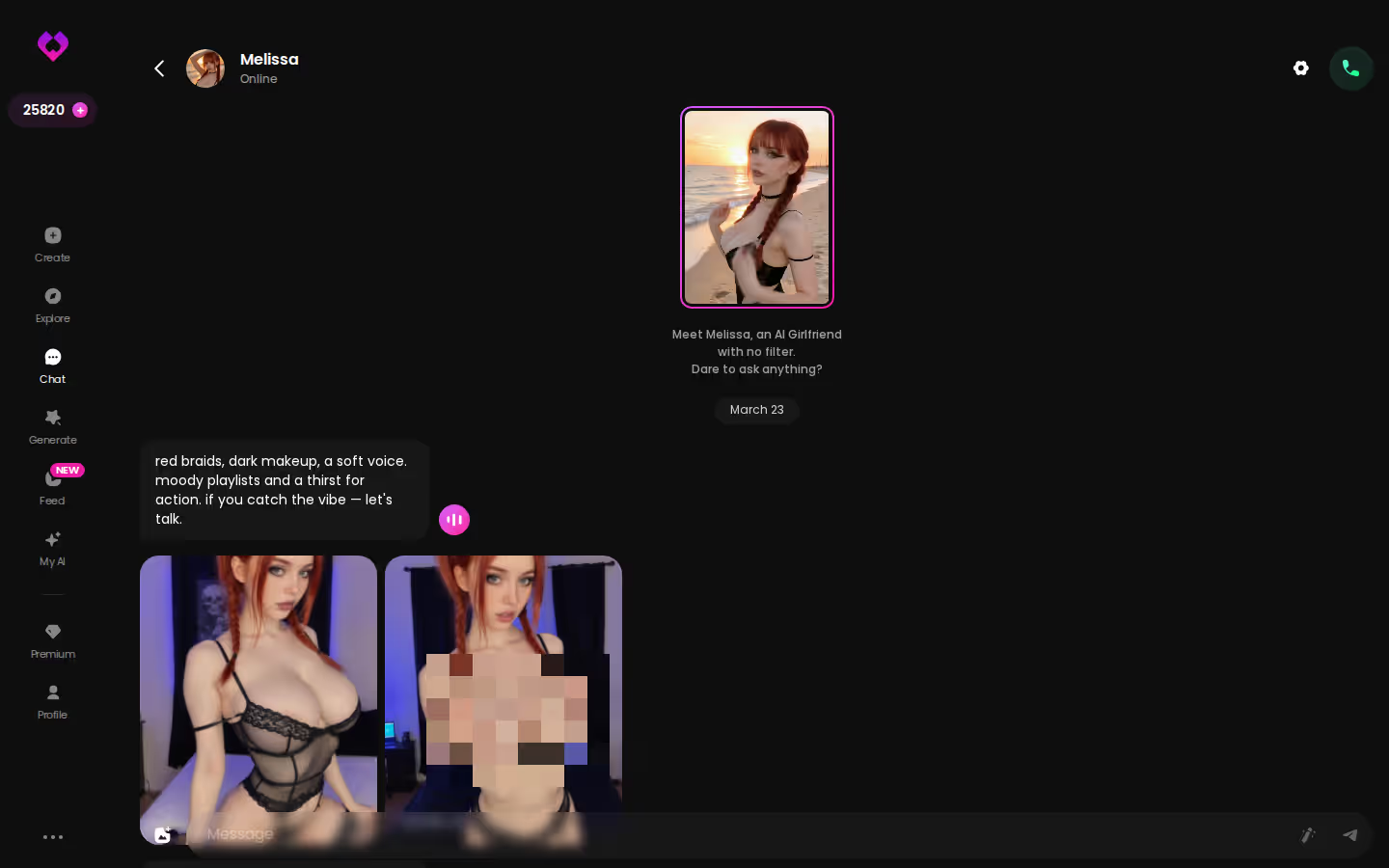
If you came here for the voice call, the thing that makes paying feel earned isn't the call itself — it's asking for a photo mid-conversation and watching it land without leaving the thread. I broke that loop down in my test of GoLove's photo feature.
GoLove.ai's Free Tier: Where the Voice-Call Limits Are
Let's be straight about where the wall is, because getting attached first and reading the fine print second is a bad order to do things in.
The free account is real. You start anonymously, you text, you sample a character's personality and see whether the banter has a pulse. The daily 2 Stars trickle in. That's enough to know if there's chemistry — and if there isn't, you've lost nothing.
Can I hear her before paying? You can start without an email, and voice is reachable from the chat — but the fuller loop of voice, in-chat photos and video is what Stars and PRO are there for, so budget for it if the call is the point.
Two caveats. The price you see may not match mine, since region, currency and whatever promo is running that week all shift it. And that anonymous account is disposable until you attach an email, so if Jess starts to matter, save her before you close the tab.
The limit is fair. Just know it before you get attached.
Taking the Call on Your Phone: How GoLove.ai Runs on Mobile
GoLove runs in your phone's browser — no app-store download gate, no "waiting for approval" limbo. The bottom nav is Explore, Chat, Create, Generate, Feed, so the chat and the video surfaces are both one thumb away.
What a good phone flirt call looks like:
- Pickup — she continues the text thread, not a fresh hello
- Scroll — a requested photo lands in the same scroll you're already reading
- Reach — Chat Settings, including the voice picker, opens from inside the chat
One honest note: your browser will ask for microphone permission the first time. It's a one-time tap, then you're in. If you want warm-up material before you dial, the sexting prompts that actually work is where I'd start.
Which One I'd Actually Pay For to Call, and Who Should Skip It
In one line: The only flirty voice call I tried where hanging up felt like pausing, not resetting. For: Anyone already texting an AI who wants to hear her without losing the thread.
GoLove.ai is my pick because voice, memory and the photo loop all live inside one character thread. Call Jess and she's still mid-joke from your last text. Ask for a photo and it drops where you're already talking. That's the difference between a real spark and a stranger reading your history back — and it's the difference I'd pay for.
Skip it if you need a native app-store app, or if you won't pay for voice at all. The free tier lets you flirt in text, but the call is where the money goes.
If you've been curious what she sounds like, the fastest answer is to open a chat and find out for yourself.
Quick checklist
What good looks like, in one checklist:
- Real-time voice calls with per-character voices
- Memory across chats — she remembers your details
- In-chat image generation — 35 poses and 21 outfits
- 2 reward stars every day you log in
| What you get | GoLove.ai |
|---|---|
| Real-time voice calls | Yes — per-character voices |
| Memory across chats | Yes — remembers your details |
| In-chat image generation | Yes — 35 poses & 21 outfits |
| Daily reward stars | 2 every day |
Frequently Asked Questions
Related Articles

Flirty AI Voice Chat: What Actually Works
Flirty AI voice chat, tested live: GoLove.ai nails tone, timing, and instant start — see what actually works before you sign up.

Flirty AI Chat: Talk to AI Girls (2026)
Flirty AI chat: GoLove.ai remembers your jokes, teases back, and adds voice + photos — not scripted one-liners. See why it wins.

AI Flirty Text Generator: Copy, Paste, Send
Tested an AI flirty text generator on GoLove.ai — real outputs, copy-paste examples, and a 60-second setup guide. See what it actually generates.