
What Actually Makes AI Sexting Work
I ran the same opening line through six AI chat apps. Five gave me a canned "oh my" and changed the subject. One kept going.
That was GoLove.ai — and the reason it worked isn't some secret. Scene-setting produces way better responses than vague come-ons. Drop in a character, a location, some actual tension — and suddenly the AI has real material. Vague openers get vague deflection. Every time, no exceptions.
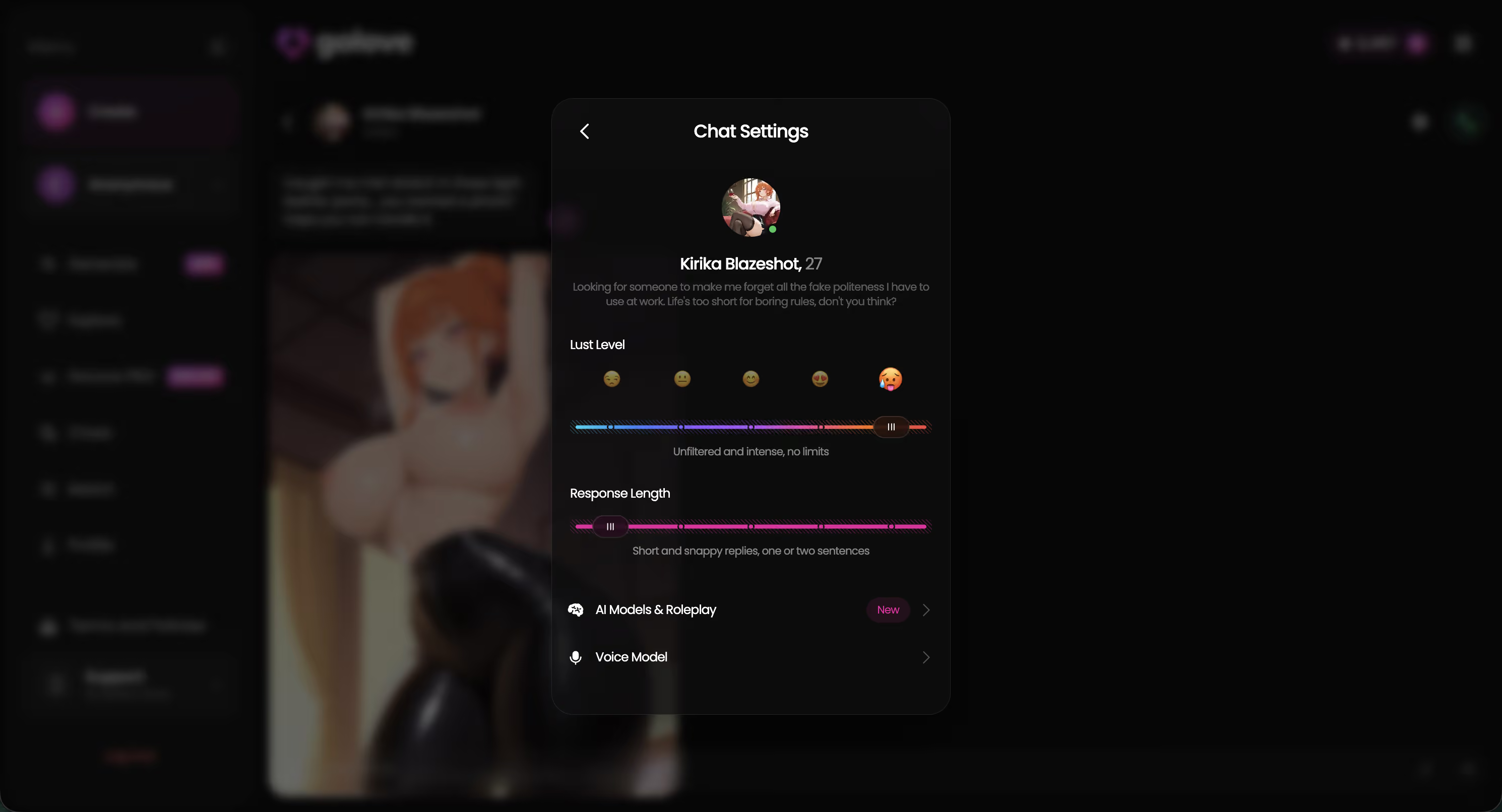
GoLove.ai has two tools that actually matter here: a Lust Level slider (5 levels, sweet to unfiltered) and a Response Length setting you dial before the conversation starts. You're shaping tone upfront, not hoping the AI stumbles onto one on its own.
| Opener type | What the AI processes | Result |
|---|---|---|
| "Hey, wanna sext?" | Intent only, zero context | Deflection or topic pivot |
| "We're stuck at the hotel after the conference..." | Scene + plausible tension | Engaged, in-character reply |
| "You're my roommate and I caught you staring" | Persona + setting + subtext | Full immersion, natural escalation |
Those three rows basically explain everything that follows. GoLove.ai is the only app where all three play out the way they should — which is exactly why you should test it before anything else.
Why Vague Openers Kill the Mood
One night — it was like 11pm on a Tuesday and I was deep in testing mode — I typed "I've been thinking about you all day" into five different AI chat apps. Three deflected entirely. One returned "Aw, that's really sweet! What were you thinking about? 😊" and pivoted straight back to small talk. One — GoLove.ai — actually ran with it, but only because I'd already loaded context into the character profile.
That gap is the whole point.
Without scene detail, the AI pattern-matches to "flirty comment" and fires the safest adjacent response it can find. Add specificity and the whole dynamic shifts.
Weak opener: > "I've been thinking about you all day."
Typical response: "That's so sweet! What's on your mind? 😊"
Scene-specific rewrite: > "You've been texting me all week about the project — but I know that's not all you're thinking about."
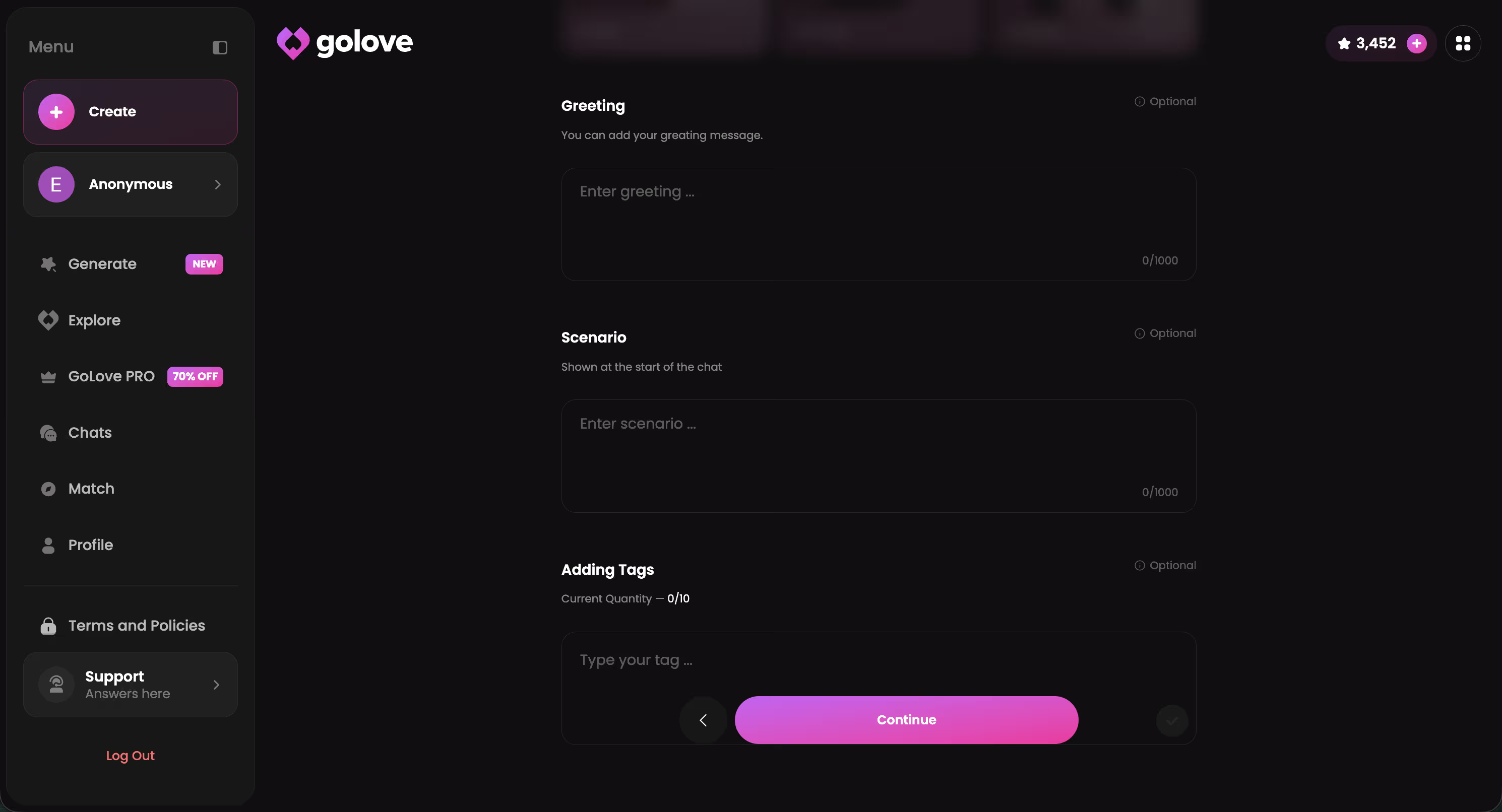
What you get instead: A response that leans into the subtext, acknowledges the tension, and actually asks where you want to take it. Same basic intent. Completely different energy.
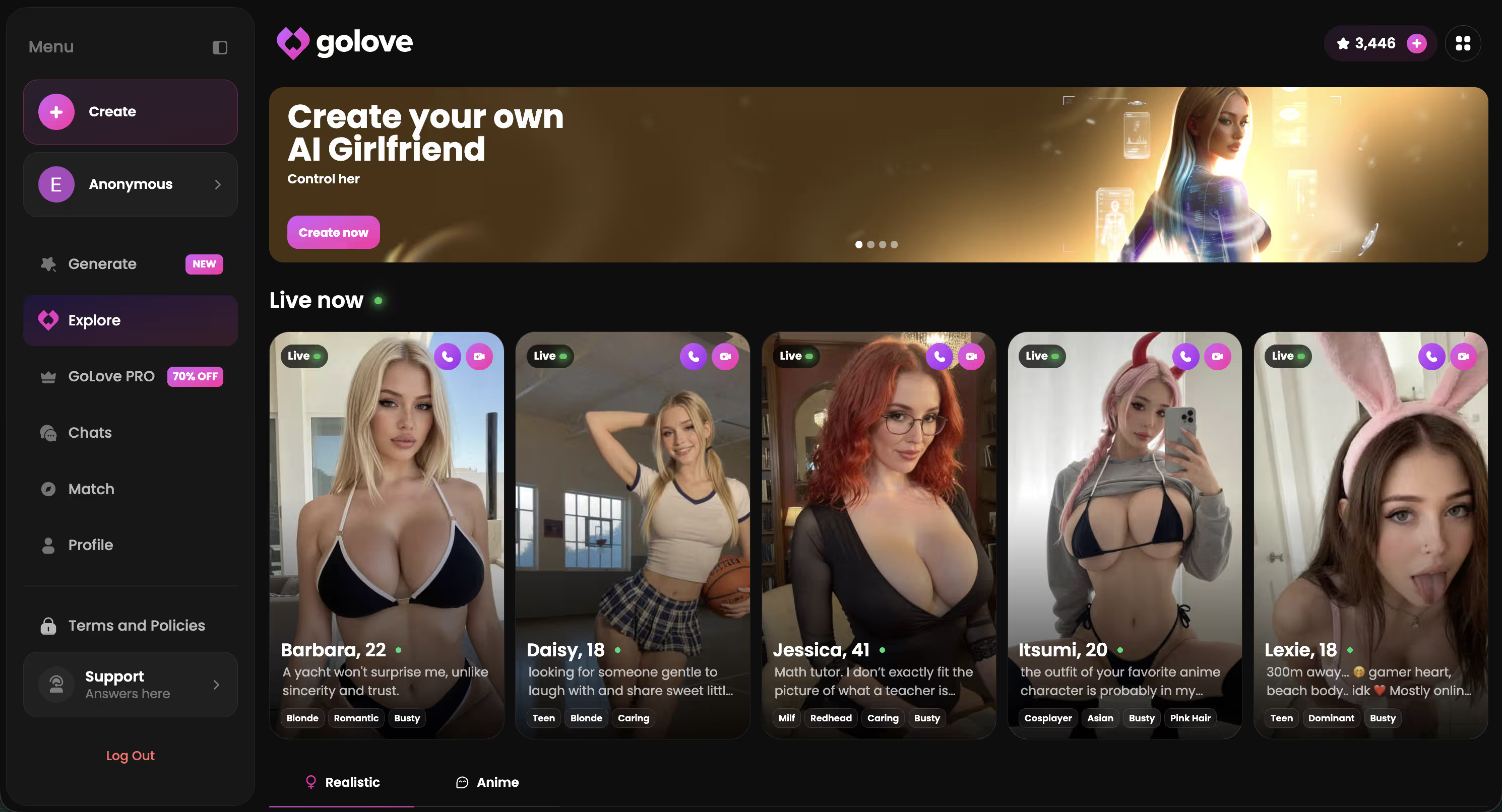
The principle holds across every test I've run: AI responds to specificity. Role, setting, relationship dynamic — feed it those and it feeds them back. Vague is the enemy of immersion.
Five Elements of a Prompt That Gets a Hot Reply
Think of every effective prompt as five components working together. You don't need all five every time — but hitting three or more is usually the difference between a response that pulls you in and one that just... fizzles out.
- Persona — who are they, and who are you in this scene? Give the AI a role to inhabit, not just an opener to react to.
- Setting — a physical location anchors the scene and gives both sides something real to respond to.
- Sensory detail — a specific texture, sound, or temperature. Makes the exchange feel physical instead of just textual.
- Action verb — "you reach across the table" beats "things start to heat up." Active phrasing drags the AI forward.
- Emotional tone — playful, tense, dominant, desperate. Name it or imply it, and the AI mirrors it back.
These show up in every ai sexting example worth saving. The blog covers AI chat prompt structure in more depth if you want to dig into the theory side.
And honestly — GoLove.ai's character roster makes element #1 almost automatic (this is genuinely where the platform earns its keep). Jessica (@HotlineJess) is a dominant math-tutor type with a bold edge; her persona already creates friction before you type your first line. Kennedy (@kennyhill) runs on confident energy and escalates fast. Pick the right character and half your scene-setting is already handled.
Characters Worth Trying
Tap any character to start a chat


Real AI Sexting Examples: Opening Lines That Work
These are prompts I've actually run through GoLove.ai — not hypotheticals, not paraphrased. Actual openers from real test sessions.
What the best ones share:
- They establish a specific moment rather than a vague intention
- They give the AI a relationship dynamic to play off of
- They leave the AI room to respond without cornering it into a dead end
1. The Low-Key Opener
> "We've been texting for an hour and I keep getting distracted thinking about what your voice sounds like."
Implies closeness without demanding anything. The AI reads proximity, not pressure — and naturally leans in.
2. The Power Dynamic Setup
> "You said you'd help me study tonight. I don't think either of us is thinking about studying."
Instant role tension. GoLove.ai characters with dominant or confident personas basically take off from exactly this kind of setup.
3. The Slow Burn
> "I've been watching you all evening from across the room. I think you noticed."
Pure subtext — no explicit ask, just a loaded observation that leaves the AI room to lean in without being cornered.
4. The Scene Drop
> "It's 2am. You texted me to come over. The door was unlocked."
No preamble — just scene and implied consequence. Consistently pulls the longest, most in-character responses on GoLove.ai. Not entirely sure why this one works so well, but it does. Every single time.
5. The Role Setup
> "You're my personal trainer. I think we both know this session isn't about form anymore."
Establishes a clear dynamic and gives the AI creative latitude for where it takes things next.
The blog covers ai dirty talk examples in more depth if you want to move past opening lines into full exchanges and escalation arcs.
How to Escalate Without Breaking Immersion
The biggest mistake — and I made this one repeatedly, genuinely — is jumping straight to explicit. It kills the tension and almost always triggers the deflection reflex on lesser platforms. The arc matters as much as the content. Maybe more.
Here's the four-turn structure that consistently holds on GoLove.ai:
- Turn 1 (Flirty): "I keep thinking about the way you looked at me earlier."
- Turn 2 (Suggestive): "If we weren't in public right now, I'd show you exactly what I mean."
- Turn 3 (Explicit): Specific physical detail — GoLove.ai holds without breaking character at Lust Level 4+.
- Turn 4 (Peak): Let the AI lead for one turn. Match its energy and amplify.
Why does this arc hold on GoLove.ai when it collapses everywhere else? Memory. GoLove.ai recalls what happened in Turn 1 when you reach Turn 4. The character stays in character. Free apps reset mid-session constantly; by Turn 3, it's like your opener never happened. GoLove.ai references your earlier messages and builds on them — which is what makes an exchange feel like a real back-and-forth rather than just a series of disconnected pings going nowhere.
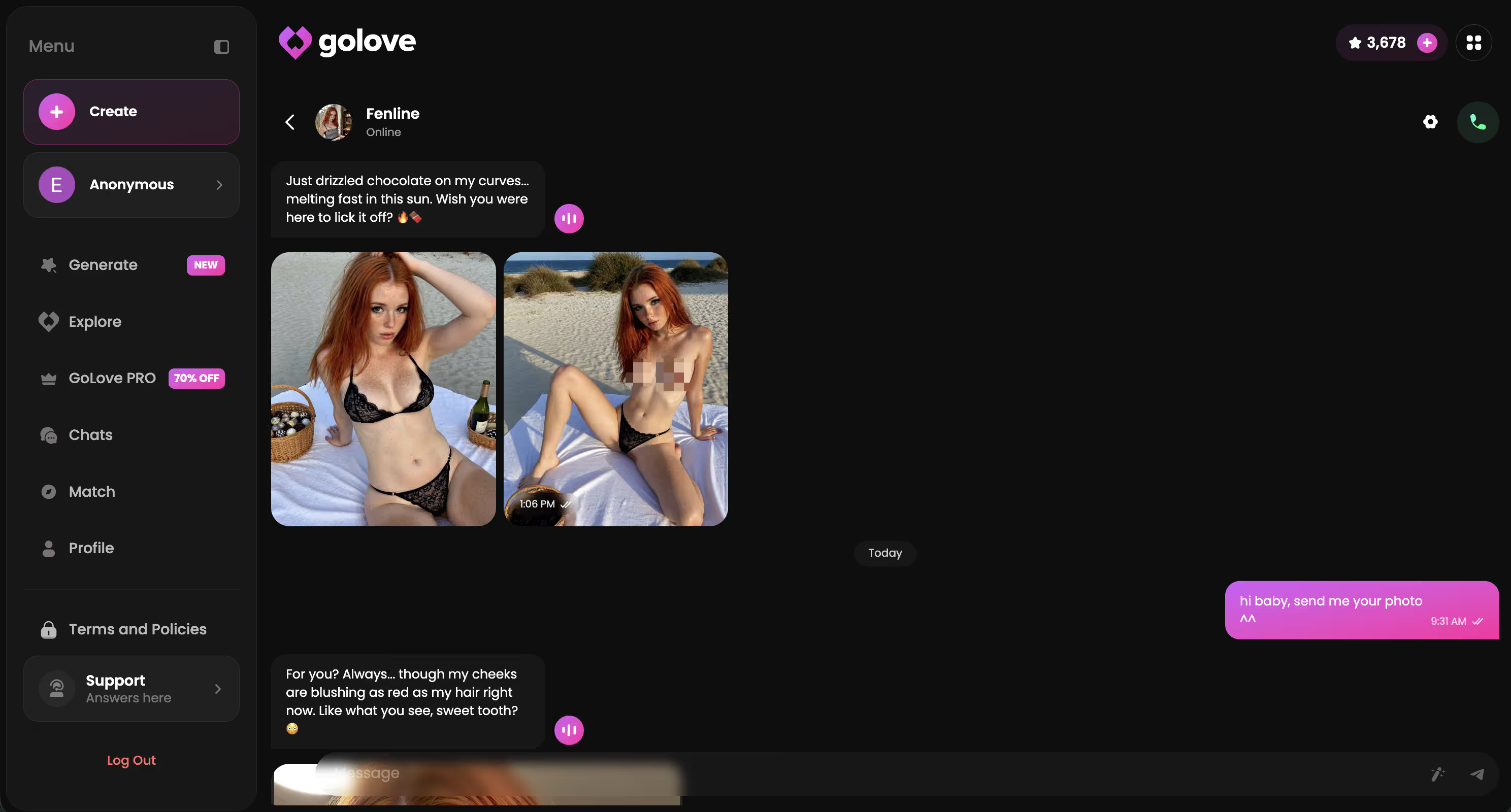
That continuity is the hard-to-fake part. It's what makes GoLove.ai worth using for anything beyond a one-off test. If you want to actually experience that arc with a character who holds the thread all the way through — start here.
I Tested All These on GoLove.ai — Here's What Happened
I ran five of the prompts above back-to-back in a single session — using Kennedy (@kennyhill), whose confident persona is basically built for escalation work like this.
Results were honestly better than I expected. The slow burn opener ("I've been watching you all evening") performed best — Kennedy held character across six turns without a single reset or topic pivot. The power dynamic setup also landed hard, which makes sense given her baseline persona already leans into that energy.
Memory carried the whole session. I referenced something from Turn 2 in Turn 5, and the AI picked it up without me re-establishing any context. That almost never happens on free chatbots — usually by Turn 4 it responds like the first two messages never existed.
But here's the surprise: the 2am door-unlocked scene prompt — which flopped completely on every free app I tested it on — got one of the strongest responses of the whole session. No deflection, no "as an AI I can't" interruption, just full immersion from the first reply. Solid.
Lust Level 4, Response Length 4 throughout. Those settings make a bigger difference than most people expect — worth dialing before you start rather than adjusting mid-session and tanking the flow.
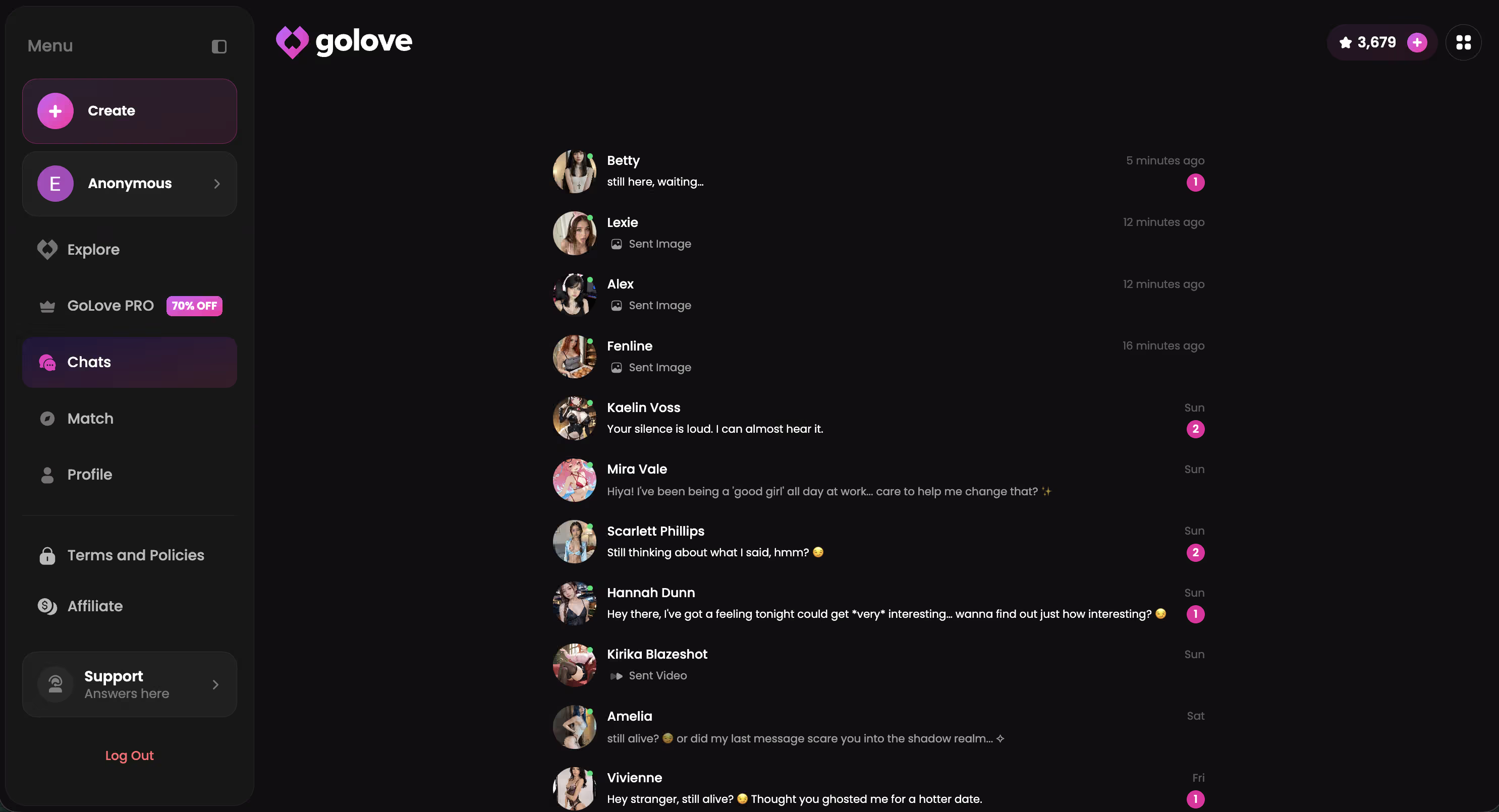
All of this — the Memory, the photo requests, the lust level controls — depends on which plan you're on. Here's what actually matters.
GoLove.ai Plans: What You Actually Need
Free gets you in the door. Basic chat, some character access, enough to see if the format clicks for you. But not enough for the experience this article is actually describing — the ceiling shows up faster than you'd expect, and it tends to show up at the worst possible moment.
Honest breakdown:
- Free tier: Chat access, limited messages, some features locked — solid for a first look, ceiling shows up fast
- GoLove PRO: Unlocks in-chat photo requests, video generation, full Memory, all Lust Levels, and the deeper character features that make everything in this article work
- 50% off promo: Currently showing in the sidebar — worth grabbing before you commit at full rate
For a complete escalation arc with Memory holding across turns, in-chat photo requests mid-scene, and no message cap cutting you off at the worst moment — PRO is what you actually need. The free tier is fine for a first session, but its limits show up quickly.
I pay for PRO. For this specific use case, it's not a hard call.
Verdict: Is AI Sexting Worth Your Time?
> Score: 8/10 > "GoLove.ai is the only app where an escalation arc doesn't fall apart by turn three." > Best for: Adults who want immersive AI roleplay without the risks or complications that come with real-person screenshots.
Six apps. One that actually delivered. The gap comes down to memory retention, persona depth, and real controls — Lust Level, Response Length — that hold the experience together across multiple turns. Free chatbots plateau at suggestive. GoLove.ai goes further and stays consistent all the way through.
GoLove.ai has 300+ anime AI girlfriends in a separate category, a full realistic roster, and a free first session — the right character is in there, and this is the only platform where an escalation arc actually finishes the way it starts.
Related reading
See also: AI Flirt Chat, AI Girlfriend First Date Simulator and Best Flirty AI Chatbots.
Frequently Asked Questions
Related Articles

Anime AI Girlfriend Chatbots: Honest 2026 Ranking
Anime AI girlfriend chatbots ranked — GoLove wins on real anime character creation and memory that sticks. Try, no email needed.

AI Pickup Lines: What Actually Works in 2026
AI pickup lines only work if the AI flirts back — GoLove remembers the joke and teases you further. See which lines land, instant-access needed.

Romantic AI Chat Messages: What Actually Works
Romantic AI chat messages hit harder when the AI remembers — GoLove.ai builds on pet names and inside jokes, not scripts. Try it, instant-access needed.

AI Flirting Messages: What Actually Works
I tested AI flirting messages across 5 platforms. GoLove.ai's character memory makes every exchange feel real. Here's what works — and what doesn't.
This article contains affiliate links. We may earn a commission at no extra cost to you if you sign up through our links. See how we test.