
The Short Answer: GoLove.ai Writes Flirty Texts That Don't Sound Like Templates
You're staring at the chat box, typing and deleting the same opener for like the fourth time. I've been there. I spent about an hour running GoLove.ai specifically to test this — late on a Wednesday, which felt appropriate — and what came back is below, basically unedited.
GoLove.ai is the pick. Not because it has some massive opener library — it doesn't use one. It generates replies through an AI character with a defined personality and actual memory, so what you get is shaped by your specific context, not randomly yanked from a template bank. The anonAuth thing is real too: no email form, no account setup, you're in a chat in under ten seconds.
| Feature | Template Generators | GoLove.ai |
|---|---|---|
| Context-aware replies | ❌ Random pool | ✅ Character-shaped output |
| Instant access | Email usually required | ✅ AnonAuth — no form |
| Copy-ready format | Buried in prose lists | ✅ Chat reply, paste-ready |
| Personality depth | None | ✅ Defined character + memory |
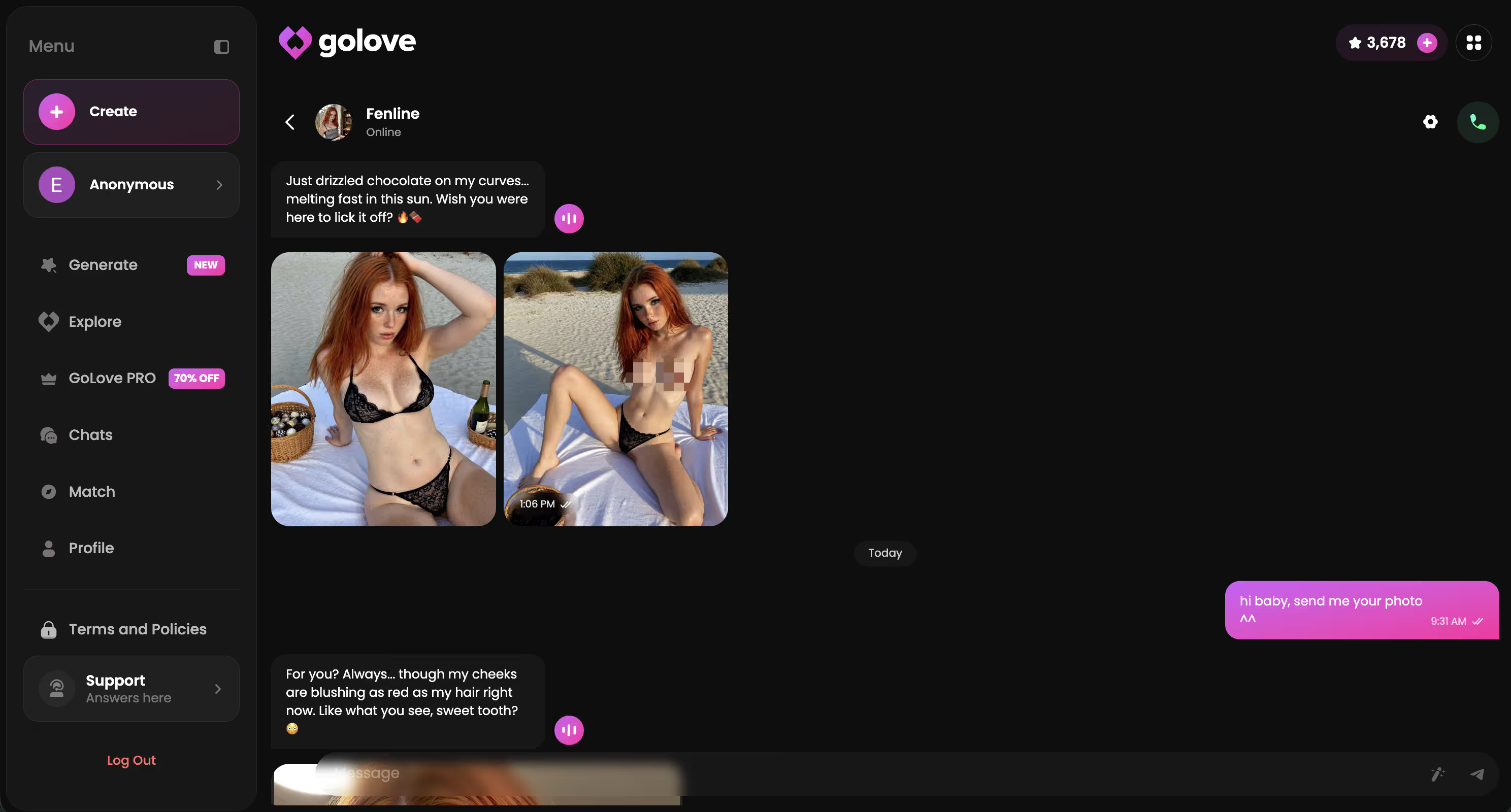
Every row in that table is a real product difference — not marketing copy. That's why this is the only flirty text generator worth checking out right now.
Three characters I kept coming back to during testing: Jessica (@HotlineJess) — dominant, bold, built for openers that actually have some edge. Barbara (@dixie) — warmer and more sincere, better for early DMs that don't feel rehearsed (her tone is genuinely hard to fake with a template). And Kennedy (@kennyhill) — confident without tipping into aggressive, honestly my most-used pick this whole session.
Characters Worth Trying
Tap any character to start a chat


Real Outputs: Flirty Texts I Copied From GoLove
These came from actual GoLove sessions — one-line context in, in-character reply out, copy-paste ready. No editing. Seven texts across three scenarios.
The three situations I tested:
- Opening DM — cold start, a few days of no contact
- Mid-conversation tease — things are warm but need a push
- Late-night text — low-stakes, high-intent, past midnight
---
Opening DM
> "Three days of silence and then you show up in my notifications. I'm taking that as a good sign."
> "You didn't have to text first — but I'm genuinely glad you did."
Mid-Conversation Tease
> "You keep dodging every interesting question. I'm starting to think you do it on purpose."
> "Bold take, coming from someone who's been this hard to reach. I like it."
Late-Night Text
> "It's past midnight and you're the first thing I thought of when I couldn't sleep. That one's on you."
> "You should probably stop sending things like that if you want me to get any sleep tonight."
> "Didn't hear from you all week and now this. Not complaining — just noting it."
---
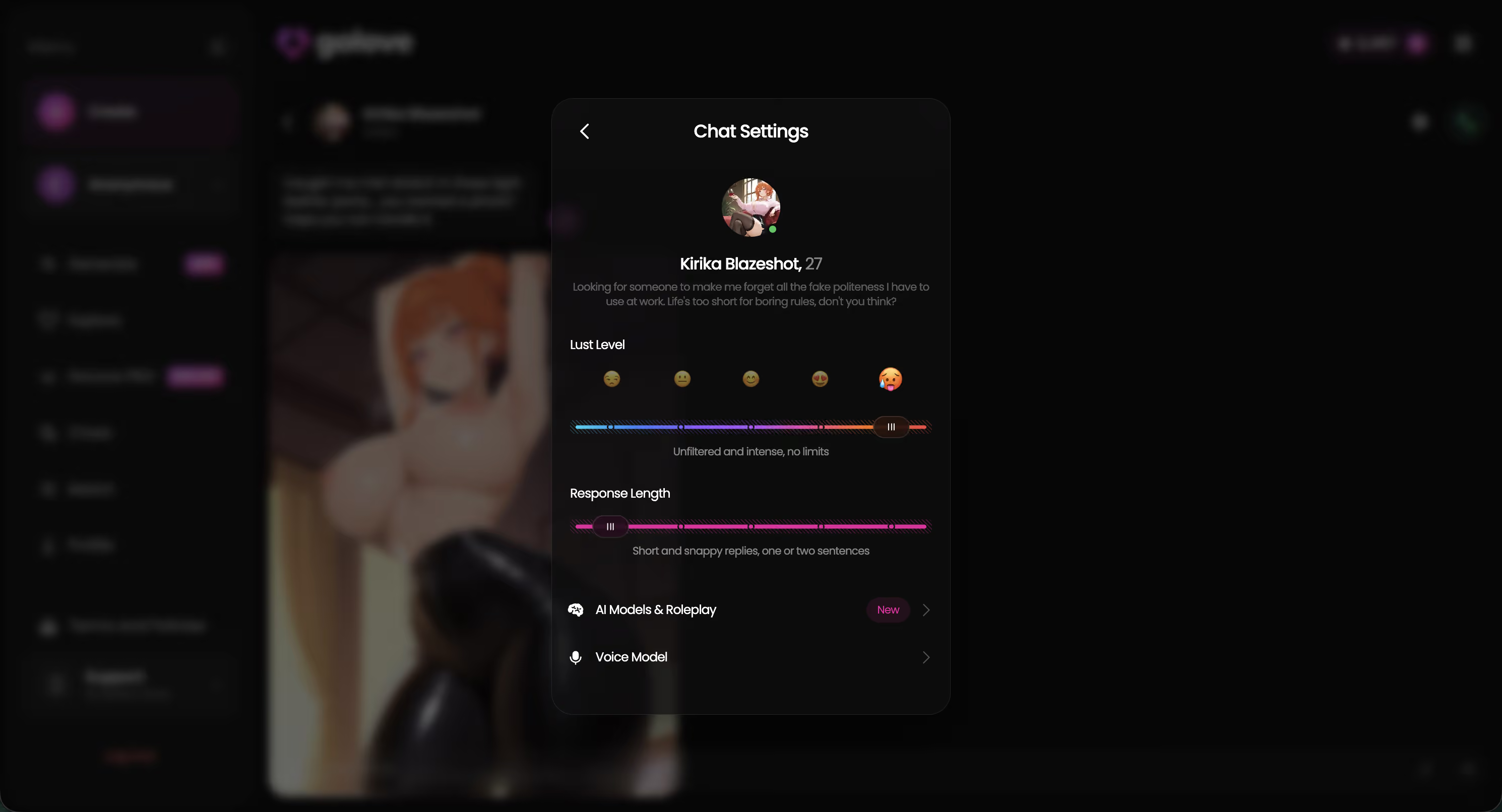
Solid output for under a minute of effort per text. Tone holds across all of them because there's an actual character voice driving the replies — not some random pull from a list that probably hasn't been touched since 2019.
Generic Generator vs GoLove: The Actual Difference
Same scenario — she just texted me first after three days of silence — dropped into two different tools:
| | Output |
|---|---| | Generic template generator | "Hey you look cute, want to hang sometime? 😊" | | GoLove.ai — Kennedy | "Three days of radio silence and now you're sliding into my mentions. I'm not complaining — but I definitely noticed." |
The generic output isn't technically wrong. It's just useless in context — ignores the three-day gap entirely, carries zero personality, reads like something from a Pinterest board circa 2018. GoLove's version uses the context you actually gave it. Kennedy's confident tone shapes the whole reply: it acknowledges the situation without being passive-aggressive, and it sounds like someone thought about this specific moment for more than half a second.
One is a fridge magnet. The other is something you'd actually send.
How to Generate a Flirty Text in 60 Seconds
Four steps. One minute. Here's exactly what I did:
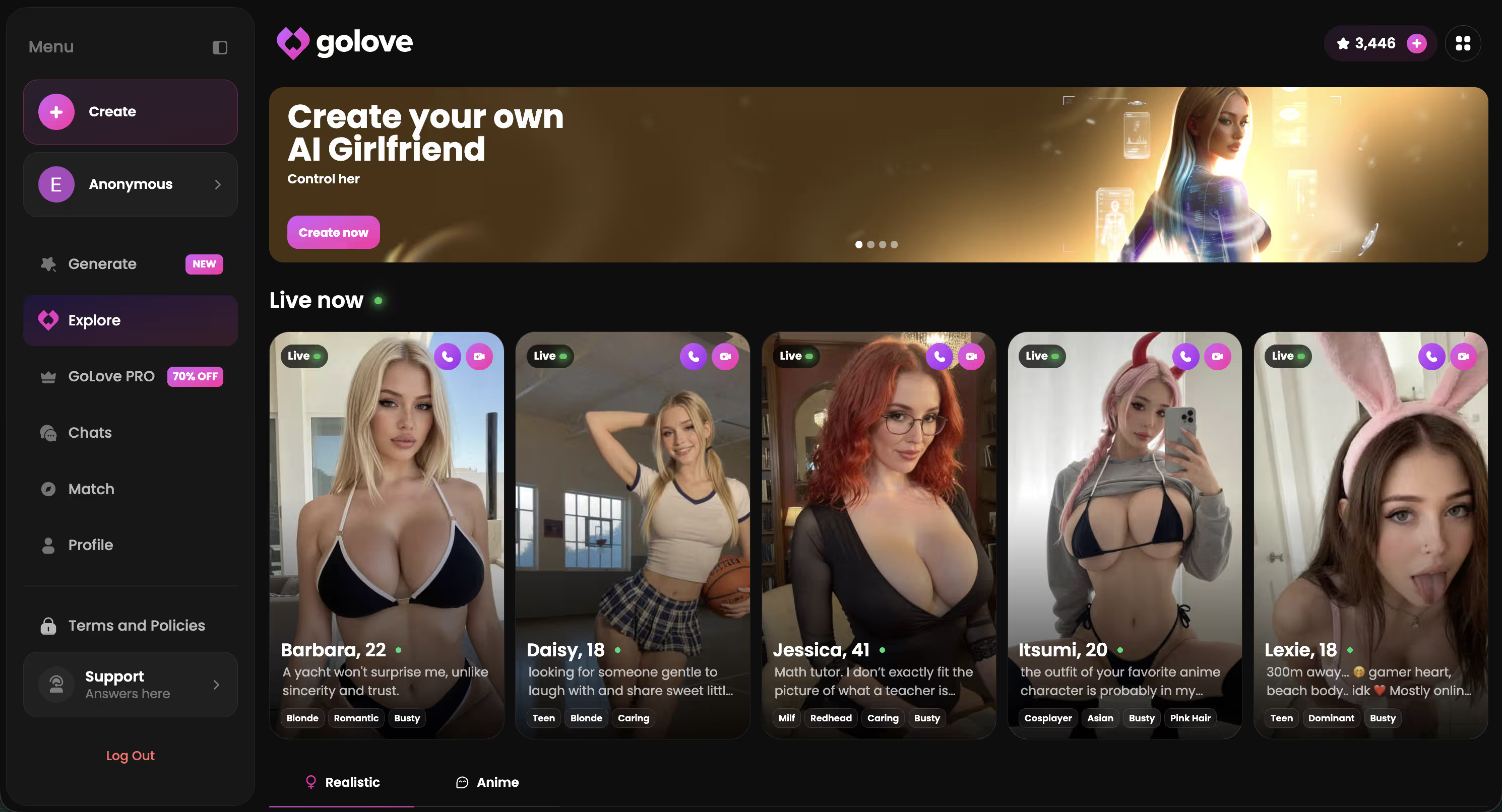
- Visit GoLove.ai — anonAuth logs you in automatically. No form, no verification email, no loading spinner while some account spins up in the background. You land and you're already in.
- Browse the character grid and pick someone whose tone fits what you're going for (dominant, warm, confident, playful). Personality tags are on each profile — this is honestly the most important 20 seconds of the whole process.
- Type one line of context into the chat. Something like "we've been flirting for a week and it needs to escalate" is genuinely enough. GoLove doesn't need paragraphs from you.
- Copy the reply and send it. Done.
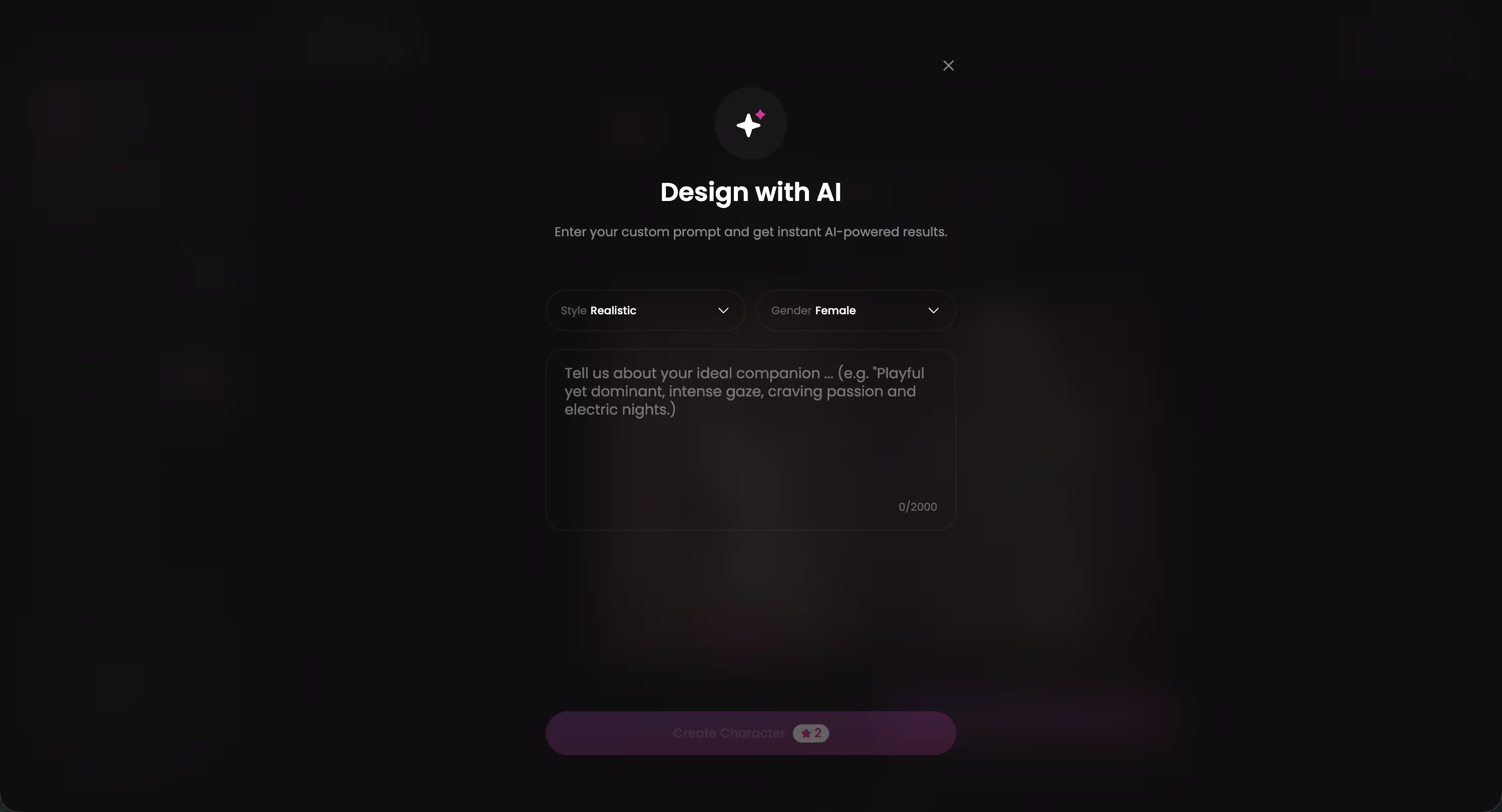
The character you pick at step 2 does most of the heavy lifting — spend those 20 seconds there and the rest is basically instant. That's the whole workflow. And it actually works.
Three Things I'd Actually Fix About GoLove
Real critique here — none of these killed the experience for me, but they're friction worth knowing about going in:
- No dedicated "write a text for me" mode. You have to frame your request as a conversational prompt — something like "what would you text someone who just went quiet for three days?" — instead of dropping it into a direct input field. It clicks once you get the pattern, but there's a beat of figuring-it-out that a purpose-built entry point would cut completely. Minor, but real.
- The character browser gets overwhelming fast. When you just want a quick opener and genuinely don't care about anyone's detailed backstory, scrolling through full profiles feels like more effort than the task warrants. A simple tone filter — bold / warm / playful — would fix this immediately. Like, just three buttons.
- Context memory resets between sessions on the free tier. Come back the next day to refine a text and GoLove has no idea what you talked about yesterday. If you're iterating on tone over a few days (which I was, at one point — probably overthinking it...), you're starting from scratch every time. Annoying in that specific low-key way where nothing is broken but something is off.
None of these change the overall recommendation. But I'd want to know going in.
What Makes an AI Flirty Text Generator Worth Using
Five things I check before recommending any generator:
- ✅ Context awareness — output uses the situation you describe, not a random database pull
- ✅ Character depth — the AI has a defined personality, not just a name slapped on a generic template
- ✅ Copy-ready format — reply comes out clean, not buried in a paragraph you have to excavate
- ✅ Instant access — no 10-step onboarding before you can generate a single line
- ⚠️ Cross-session memory — partial on the free tier; the feature exists in the product but it's gated
Four out of five at zero cost is honestly not bad. The fifth — memory — only really matters if you're using this across multiple sessions. Need a flirty opener in the next five minutes? Basically a non-issue.
Verdict: Is GoLove the Right AI Flirty Text Generator?
Score: 4.1 / 5
> Best for anyone who freezes writing flirty openers and wants in-character, copy-ready lines.
Who it's for: Anyone who knows the vibe they're going for but freezes on execution. Pick a character, drop in one line of context, copy the reply. The whole thing takes under 60 seconds — and the output actually sounds like something a real person sent on purpose, not something scraped off a list.
Who should skip it: If cross-session memory on the free tier is a hard requirement, or you want a dedicated text-generator modal rather than a conversational interface, you'll hit friction pretty early.
But the character-aware output is a genuine step above every template-based tool I've tested. And anonAuth means you can verify that yourself before committing to anything.
Related reading
See also: Best Flirty AI Chatbots, Flirty AI and Flirty AI Chat.
Frequently Asked Questions
Related Articles

Flirty AI Chat Voice Calls: My Honest Test
Flirty AI chat voice calls compared — GoLove.ai wins on real voice memory and live teasing, not scripted lines. See how it flirts back — no long signup needed.

Wingman AI: What Actually Works in 2026
Wingman AI reviewed: most tools just write openers — GoLove.ai remembers your jokes and teases back, training real flirting skill.

Flirty AI Voice Chat: What Actually Works
Flirty AI voice chat, tested live: GoLove.ai nails tone, timing, and instant start — see what actually works before you sign up.

Flirty AI Chat: Talk to AI Girls (2026)
Flirty AI chat: GoLove.ai remembers your jokes, teases back, and adds voice + photos — not scripted one-liners. See why it wins.
This article contains affiliate links. We may earn a commission at no extra cost to you if you sign up through our links. See how we test.